Contract Claim Tracker
- Path
-
Advanced Project Management > Contract Management > General Operations > Contract Claim Tracker
Use the Contract Claim Tracker to view contract claims in read-only mode.
-
Navigate to and open Contract Claim Tracker.
-
Filter contract claims by All or Recent Records.
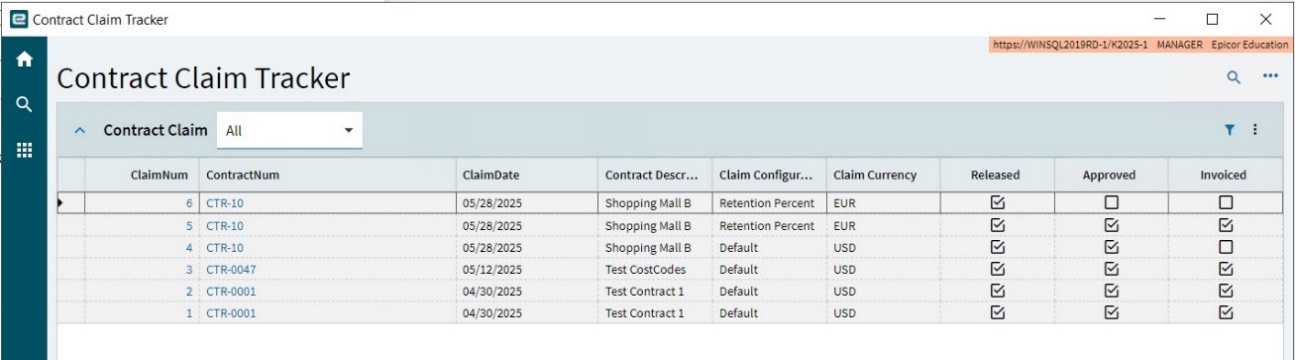
You can see in the summary grid which claims are released, approved, and invoiced.
-
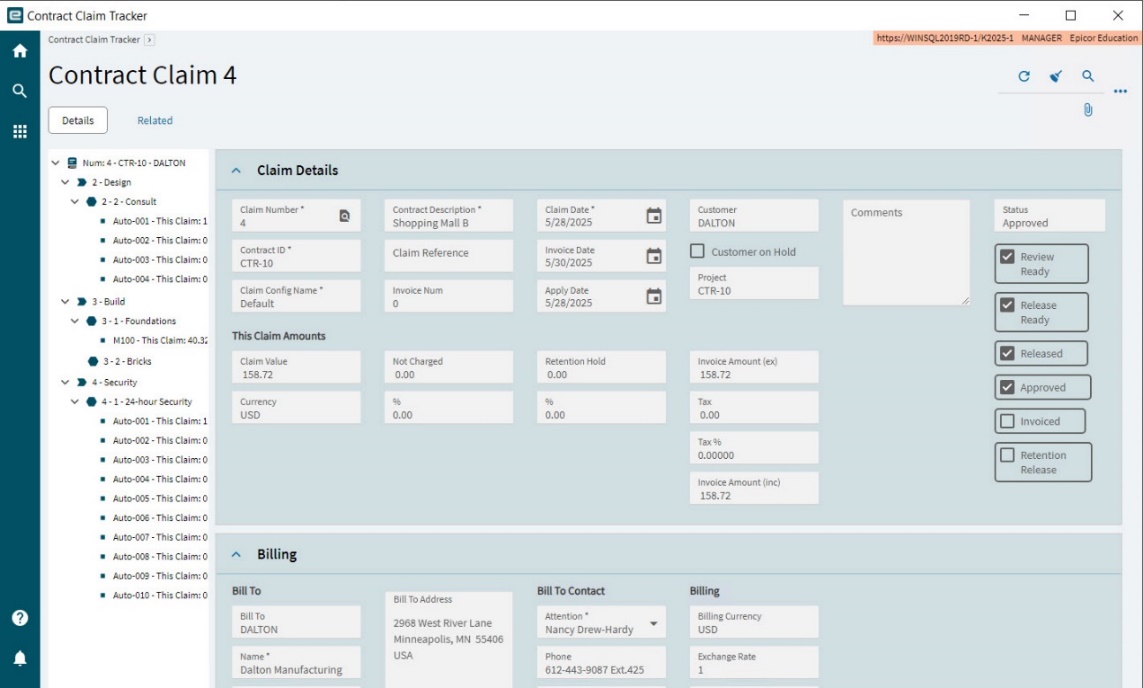
To view a contract claim, select the Claim Num or the Contract Num in the grid.
This opens the Contract Claim in read-only mode.
-
Navigate through the Details, Line Item Details and Milestones/Rates using the navigation tree, to view claim details.