Contract Retention Report
- Path
-
Advanced Project Management > Contract Management > Reports > Contract Retention Report
-
Optionally, select a Contract in the Filter section.
-
Optionally, select a Customer in the Filter section.
-
Keep the defaults in the Advanced section.
-
Select Print Preview
 on the Standard toolbar.
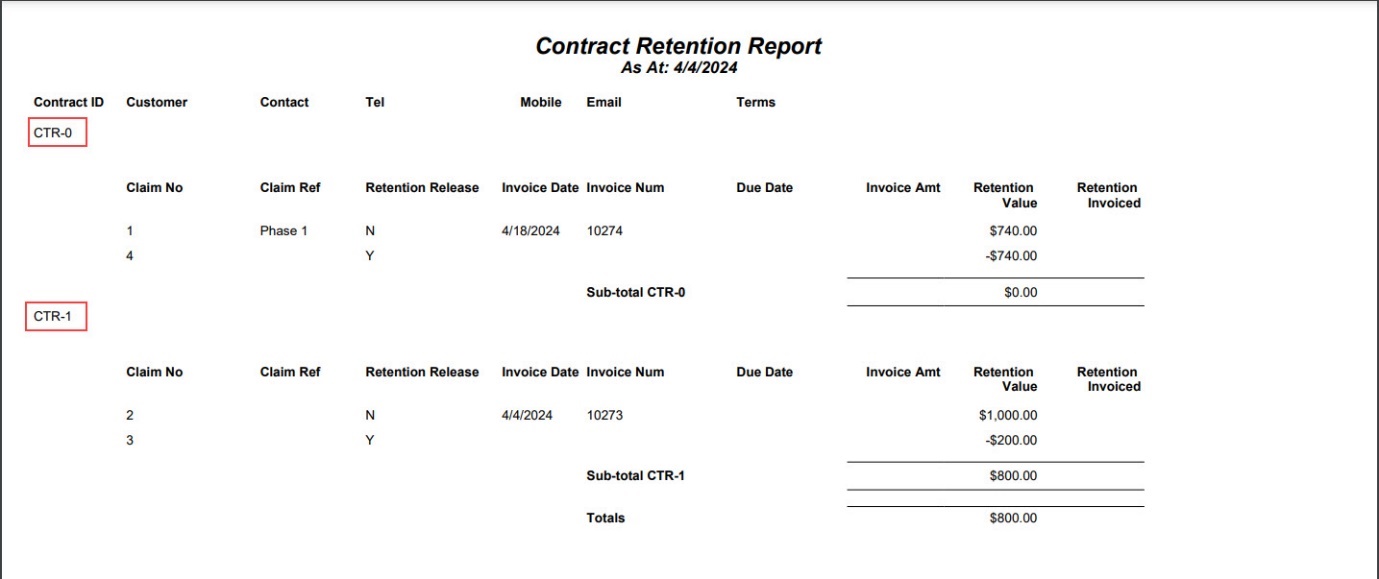
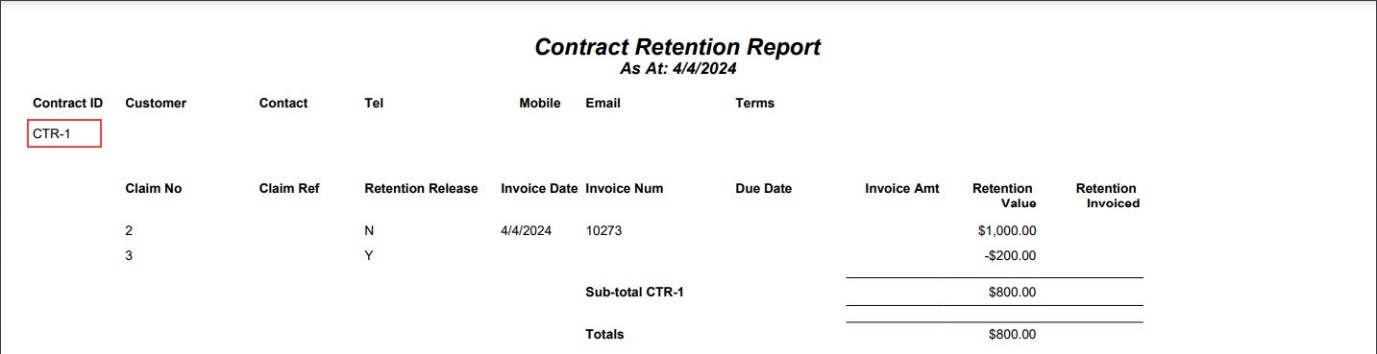
Contract Retention details for the selected Contract/Customer are displayed in the report preview.
If you do not select any filters, then all Contract Retentions appear in the report preview.